

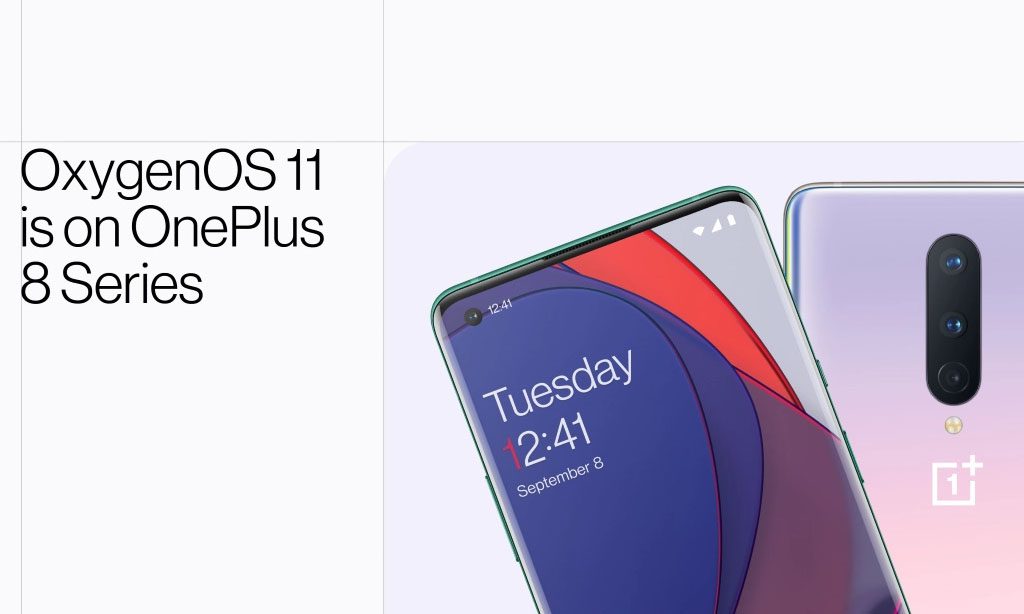

Η OnePlus μετά απο τα beta για το OxygenOS 11, βασισμένο στο Android 11, φέρνει επιτέλους και την stable έκδοση του για τις ναυαρχίδες της, OnePlus 8 και 8 Pro. Ωστόσο δεν είναι οι μόνες συσκευές που θα πάρουν το update. Πιο κάτω είναι μια λίστα απο όλα τα μοντέλα που θα πάρουν το update:
•OnePlus 8
•OnePlus Nord
•OnePlus 7T Pro
•OnePlus 7 Pro 5G
•OnePlus 7
•OnePlus 6T
•OnePlus 8 Pro
•OnePlus 7T Pro McLaren Edition
•OnePlus 7T
•OnePlus 7 Pro
•OnePlus 6T McLaren Edition
•OnePlus 6
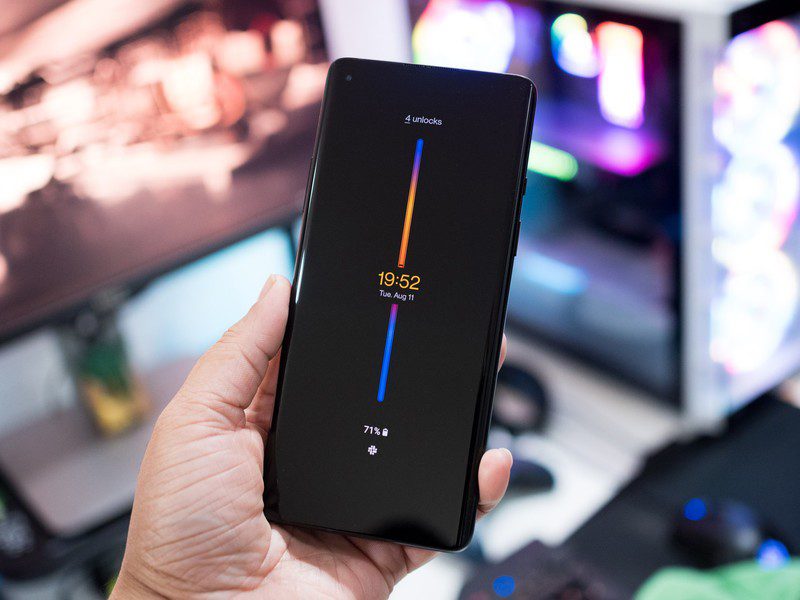
Κάποια απο τα βασικά στοιχεία που θα φέρει το νέο OxygenOS 11 είναι η νέα λειτουργία του Always-on Ambient Display, η οποία σου δίνει την δυνατότητα να δείς με πολύ ενδιαφέρον τρόπο την χρήση που εκανές στο τηλέφωνο μέσα στην μέρα, όπως επίσης τον αριθμό ξεκλειδωμάτων και φυσικά την ώρα και το ποσοστό της μπαταρίας.
 Η OnePlus πρόσθεσαι επίσης κουμπί για πιο εύκολη ενεργοποίηση του dark mode στις γρήγορες ρυθμίσεις και την επιλογή για customize του χρώματος που θα έχει το UI της συσκευής. Ανανεώθηκαν επίσης οι εφαρμογές του καιρού και του ρολογιού για να φέρουν μια ανανεωμένη εμπειρία χρήσης. Πιο κάτω θα βρείτε αναλυτικά όλα τα νέα features και τις αλλαγές που έφερε μαζί του το OxygenOS 11:
System
•Fresh new UI visual design brings you a more comfortable experience with various optimizations of details.
•Brand-new weather UI supports dynamic switches between sunrise and sunset. You can have day and night at your hand now.
•Optimized stability on some third-party applications and improved user experience.
Game Space
•Newly added gaming tools box for convenient switches of Fnatic mode. You can now choose three ways of notifications: text-only, heads up and block, just for your immersive gaming experience.
•Newly added quick reply feature in a small window for Instagram and WhatsApp. (Enable it by swiping down from upper right/left corners of the screen in gaming mode)
•Newly added mis-touch prevention feature. Enable it, swipe down from the top of the screen, click and the notification bar will pop out.
Ambient Display
•Added Always-on ambient Display function, custom Schedule/All day option included. (To set: Settings > Display > Ambient Display)
•Newly added Insight clock style, a joint creation with Parsons School of Design. It will change according to the phone usage data. (To set: Settings > Customization > Clock Style)
•Newly added 10 new clock styles. (To set: Settings > Customization > Clock Style)
Dark Mode
•Added the shortcut key for Dark Mode, pull down the quick setting to enable.
•Supporting automatically turn on feature & customize time range. (To set: Settings > Display > Dark Mode > Turn on automatically > Automatically enable from sunset to sunrise/Custom time range.)
Zen Mode
•Added 5 new themes (ocean, space, grassland, and so on), and more timing options.
•Included the Group feature in Zen Mode, now you can invite your friends and enable the Zen Mode together.
Gallery
•Story function supported, automatically forming weekly videos with photos and video in storage.
•Loading speed optimized, and the image preview is now faster.
Others
•The widget on the desktop might disappear. It can be set as followed: Long press on the desktop -“Widget” – “Settings” – Select the widget.